

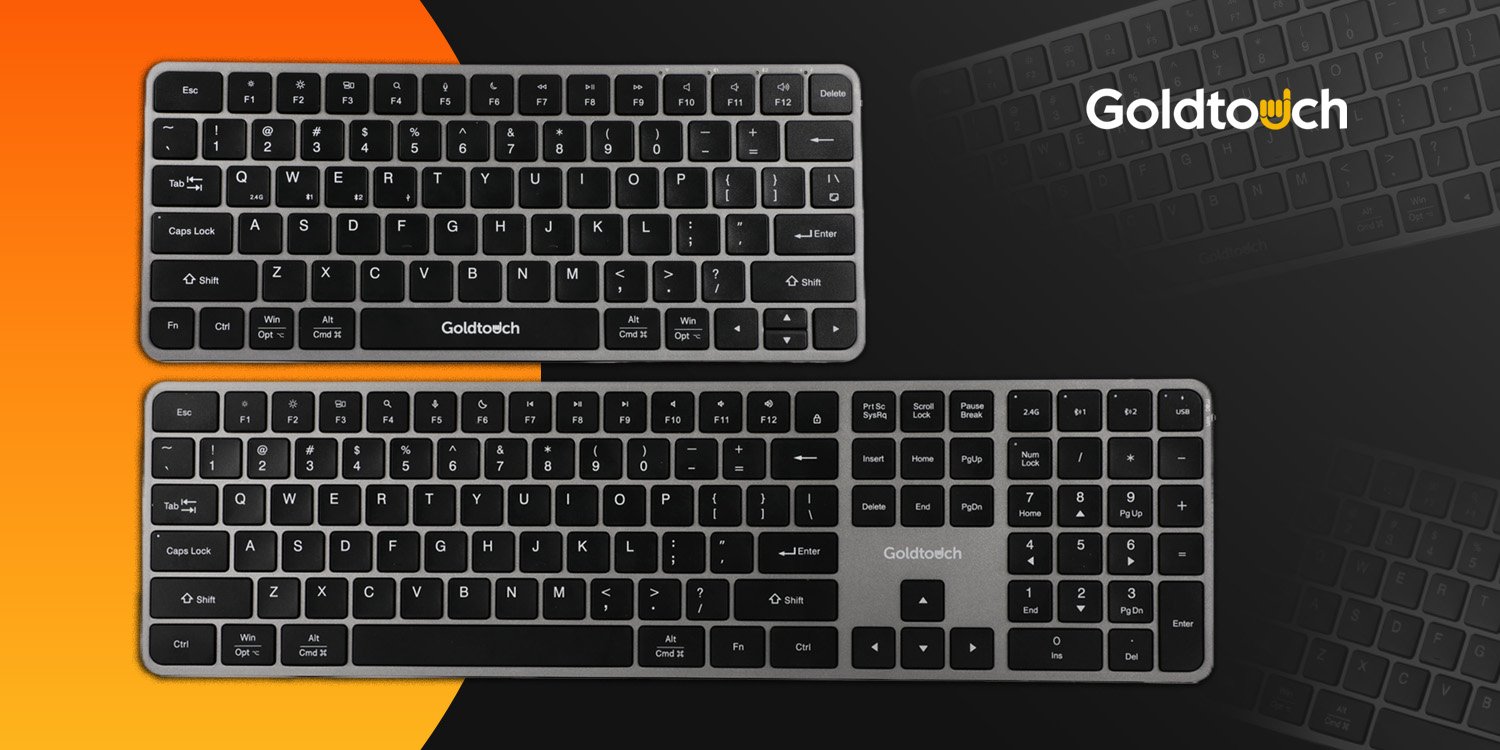
One keyboard is rarely enough anymore.
A typical workday might involve one laptop for email, a Mac for creative work, an iPad for notes, and a phone or tablet handling messages between meetings. Constantly moving from one keyboard to another slows everything down. The Goldtouch Trident Standard Keyboard and Trident Mini Keyboard are built to simplify that kind of setup.
These are not ergonomic keyboards. They are office keyboards designed for people who want a clean, practical way to work across multiple devices without cluttering the desk with extra hardware. Both models support four connection channels: 2.4 GHz wireless, Bluetooth Channel 1, Bluetooth Channel 2, and USB wired. That means you can pair the keyboard with up to four different connection paths and switch between them directly from the keyboard as your work changes throughout the day.
Built for device-heavy workflows
 The biggest advantage of the Trident line is flexibility.
Both Trident models are designed to work with a wide range of laptops, tablets, and mobile devices, giving users a simple way to move from desktop to laptop to mobile device without resetting their entire workspace. The keyboard does the switching for you. Press the appropriate button, choose the channel you want, and continue working on the next screen. The pairing videos on each product page walk through the process step by step, which makes setup much easier for first-time users as well as office teams managing several devices at once.
This kind of multi-device support makes a real difference in shared and hybrid environments. A home office may include a personal computer and a company-issued laptop. A front desk employee may need to move between a workstation and a tablet. A consultant may work from a laptop during travel, then connect to a second system once back at the office. In each case, the value is the same: fewer interruptions and less time spent reconnecting accessories.
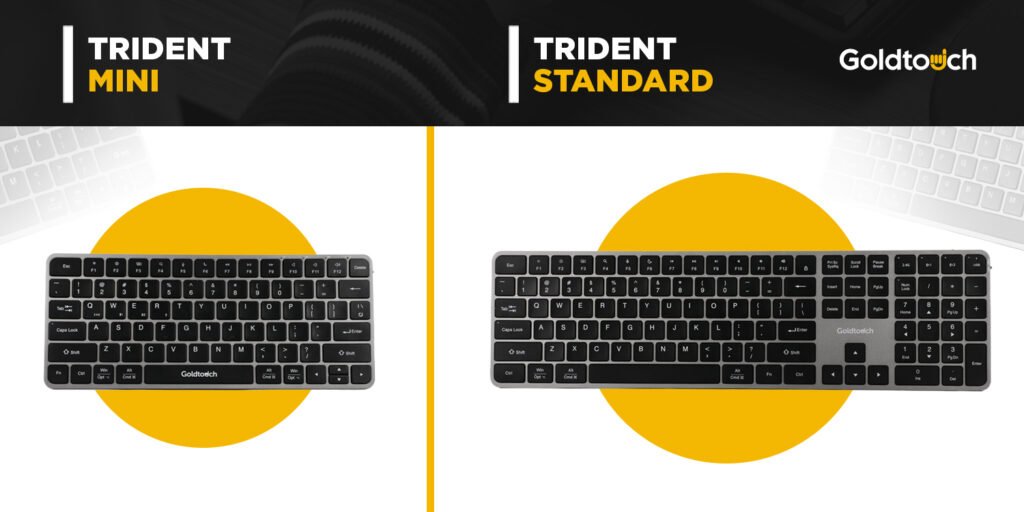
Trident Standard Keyboard: full-size familiarity
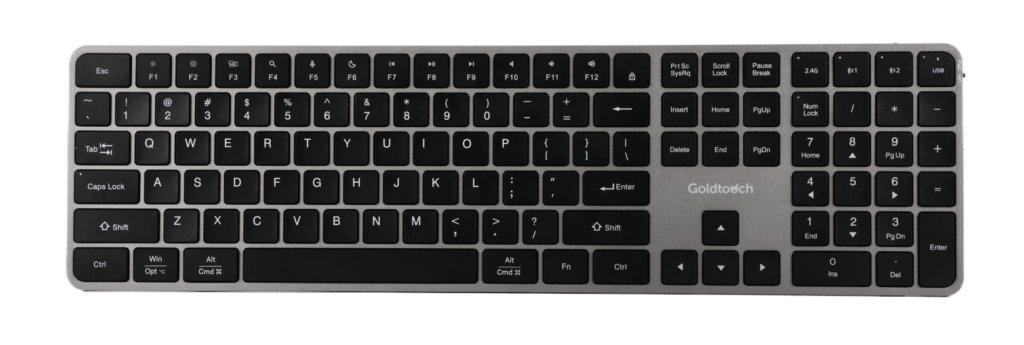 The Trident Standard Keyboard is the model for users who want a traditional full-size layout. It includes 109 keys and 13 multimedia keys, giving it the familiar feel many office professionals prefer for daily typing, spreadsheet work, and general desktop use. Goldtouch also lists low-profile scissor switches, moisture protection, a rechargeable 300 mAh battery, and up to six months of use per full charge under typical conditions on the product page.
That full-size footprint matters for people who spend most of their day at a desk. If your work depends on function keys, consistent spacing, and a layout that feels immediately familiar, the standard version is the easier fit. It gives you the benefits of modern multi-device connectivity without forcing you to give up the feel of a conventional office keyboard.
Its slim dimensions also help it sit neatly in a professional workspace. The result is straightforward: a keyboard that feels familiar, travels well between devices, and avoids the fuss that often comes with juggling multiple wireless accessories.
Trident Mini Keyboard: compact without feeling stripped down
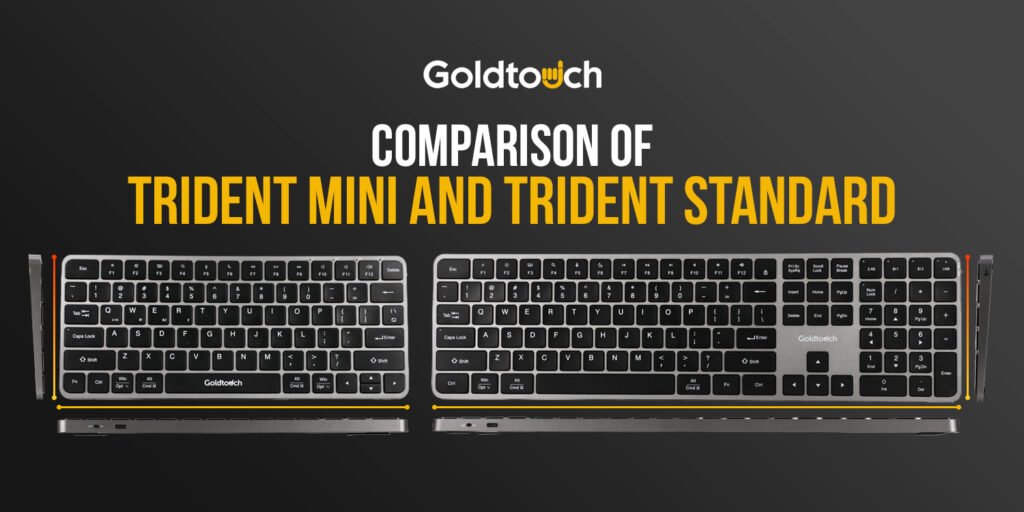
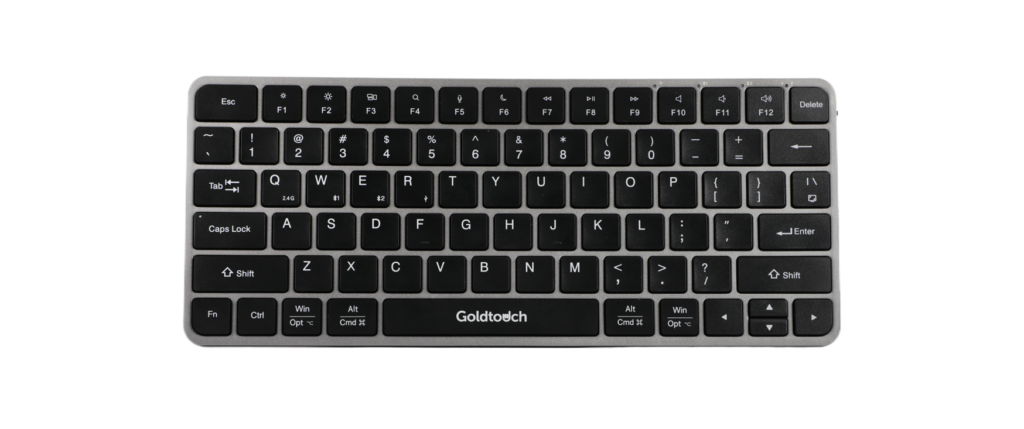 The Trident Mini Keyboard takes the same core idea and scales it down for tighter spaces. It uses a compact 78-key US layout with 13 multimedia keys, plus the same four-channel connectivity: 2.4 GHz, two Bluetooth channels, and USB wired. Like the standard model, it uses low-profile scissor switches, includes moisture protection, and carries a rechargeable 300 mAh battery with up to six months of typical use per charge according to the product listing.
The practical difference is size. At 11.10 x 4.6 x 0.45 inches, the mini version is built for smaller desks, mobile setups, and users who prefer a reduced reach while typing. That makes it a smart fit for reception counters, temporary workstations, apartment home offices, and travel bags where every inch counts.
A compact keyboard can also help keep the work area looking cleaner and more manageable. For users who do not need a full-size layout at all times, the mini model offers a more efficient footprint while keeping the same switching convenience that defines the Trident line.
Which one should you choose?
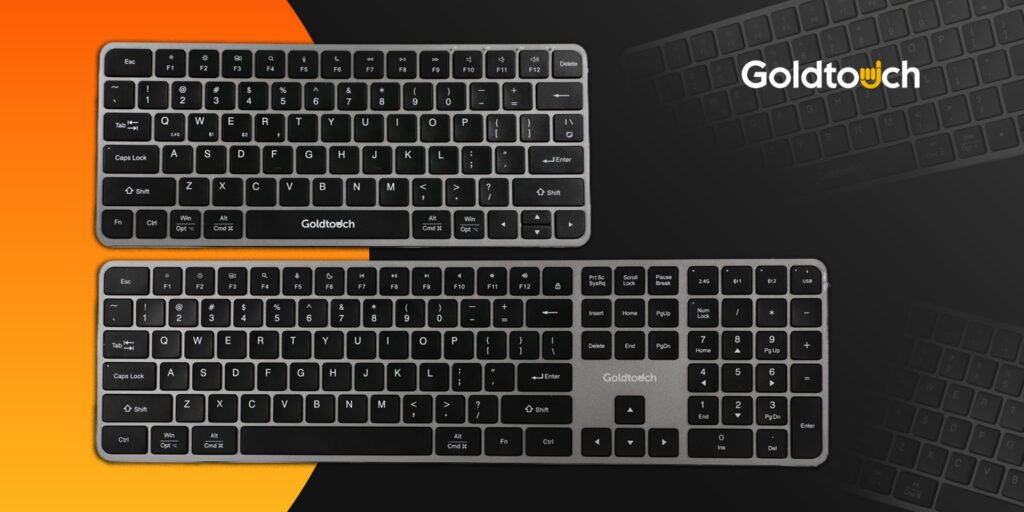 The answer depends on how you work.
Choose the Trident Standard Keyboard if you want a full-size layout, spend most of your day at a fixed workstation, or prefer the feel of a traditional office keyboard.
Choose the Trident Mini Keyboard if desk space is limited, you move between locations often, or you want a smaller keyboard that still supports multiple devices and connection modes.
Both models are designed around the same benefit: easier movement between devices with less interruption. If your day regularly jumps from laptop to tablet to desktop, that convenience adds up quickly. You spend less time reconnecting and more time working.
Goldtouch built the Trident Standard and Trident Mini Keyboard for exactly that kind of modern workflow. Clean setup. Straightforward switching. One keyboard, multiple devices, and a much simpler desk.


