


If you spend hours typing every day, you’ve probably felt tightness or soreness in your wrists at some point. That’s where a keyboard wrist rest can help. When used correctly, a wrist rest supports your palms during short breaks from typing, helps maintain neutral wrist alignment, and reduces strain over long work sessions. This guide will show you how to use a wrist support for a keyboard the right way — so you get comfort without creating new posture problems.
What a Wrist Rest Actually Does
A wrist rest isn’t meant to hold your wrists in place while typing. Instead, it’s designed to support your palms when you’re not actively striking the keys. Think of it as a place for your hands to relax during short pauses in your typing — not as a permanent platform for your wrists. This aligns with OSHA’s keyboard guidelines, which emphasize neutral wrist positioning to avoid strain.
When used correctly, a wrist rest for keyboard setups can:
- Help keep your wrists in a neutral position.
- Reduce pressure on the median nerve (linked to carpal tunnel symptoms).
- Encourage better typing posture.
How to Position Your Wrist Rest Correctly

How to position your wrist rest for proper typing alignment
If you’ve been wondering how to use a keyboard wrist rest the right way, start with placement. Position the wrist rest so it sits flush against the front edge of your keyboard. When your fingers are on the home row keys, your palms should hover just above the rest, not sink into it.
Your wrists should stay straight — avoid bending them up or down. The rest is there for breaks between bursts of typing, not to support constant downward pressure.
When to Use a Wrist Rest
You can use a keyboard wrist support:
- During short pauses between typing.
- While waiting for information on the screen.
- Between bursts of data entry or repetitive tasks.
If you keep your wrists pressed into the rest while typing, you risk bending them at an unnatural angle, which can cause more harm than good.
When Not to Use a Wrist Rest
Even the best wrist rest for keyboard setups can cause problems if used incorrectly. Avoid:
- Using it to push down on your wrists while typing.
- Resting on a surface that’s too soft (causes sinking) or too hard (causes pressure points).
- Using a rest that’s too tall or too short for your keyboard height.
Do You Need a Wrist Rest for Your Keyboard?
You might not need one if you already have an ergonomic keyboard and maintain good posture. But if you type for long stretches, a wrist support can make a noticeable difference in comfort. For many people, the answer to “Should you use a wrist rest for keyboard work?” is yes — as long as it’s the right size and used properly.
Choosing the Right Wrist Rest
When picking a keyboard wrist support, look for:
- Firm but cushioned support — enough to prevent sinking but still comfortable.
- Durable materials like gel, foam, or leatherette.
- Correct length to match your keyboard (full-size or compact).
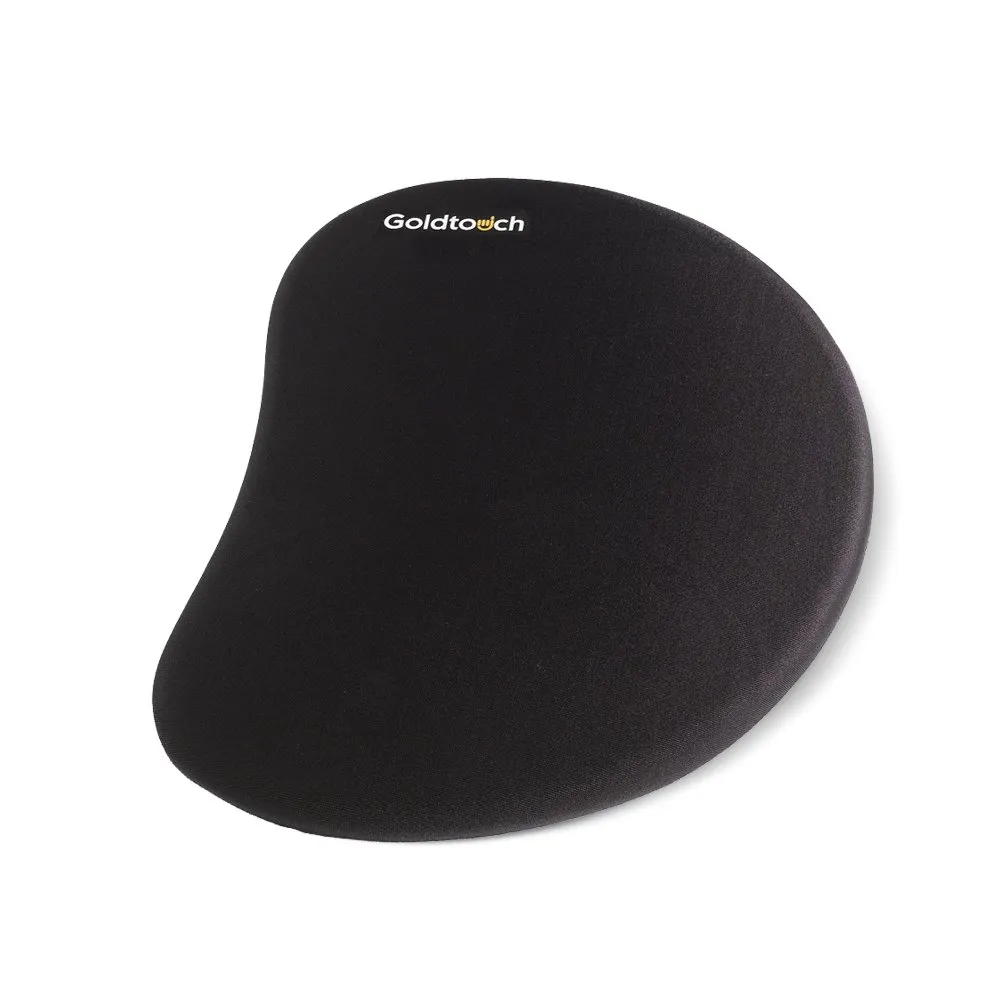
Goldtouch wrist rests are designed to complement our ergonomic keyboards, keeping your hands in a neutral position and reducing strain over long work sessions.



Extra Tips for Reducing Wrist Strain
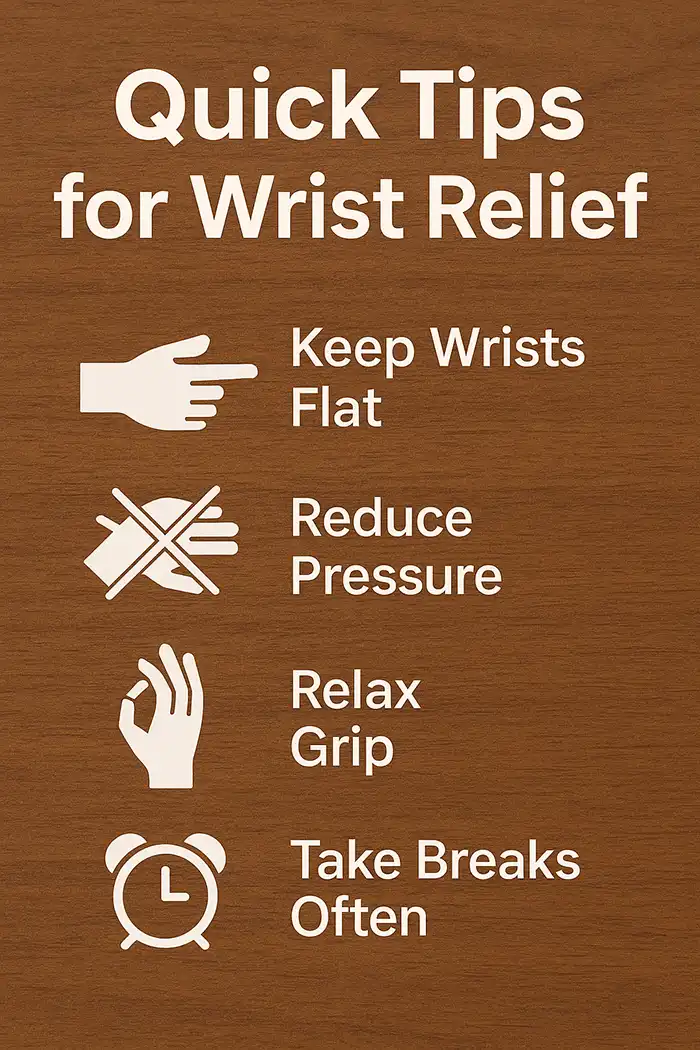
Don’t stop at the wrist rest — stretch and support your way to better typing.
A wrist rest is just one part of the equation. For best results, keep your elbows close to your body at a 90-degree angle, adjust your chair and desk height so your forearms are parallel to the floor, and take regular breaks to stretch your hands and fingers. Pair your wrist rest with an ergonomic keyboard for a healthier typing posture. For a full breakdown of optimal desk, chair, and monitor positioning, see this step-by-step office ergonomics guide.
For best results:
- Keep your elbows close to your body at a 90-degree angle.
- Adjust your chair and desk height so your forearms are parallel to the floor.
- Take regular breaks to stretch your hands and fingers.
- Pair your wrist rest with an ergonomic keyboard for a healthier typing posture.
For more ways to improve comfort and efficiency, check out Harvard’s ergonomics tips for computer users.
The Goldtouch Advantage
Goldtouch makes keyboard wrist rests that are built for real comfort and long-term durability. When paired with our adjustable ergonomic keyboards, they help maintain proper alignment, reduce fatigue, and keep you productive — whether you’re typing for an hour or all day.
Final Thoughts
Using a wrist rest isn’t complicated, but using it correctly can make a big difference in your comfort. Keep your wrists straight, use the rest for breaks rather than constant support, and choose a model that fits your keyboard and your needs.
Once you understand how to use wrist rest keyboard setups the right way, you’ll type more comfortably and protect your hands from unnecessary strain.


